

The ADA Title II updates are going into effect next Friday April 24, 2026! Now is the time to strengthen your accessibility skills! Join us for an Accessibility Sprint next week, Start Editing Your Syllabus asynchronously using online resources, and/or join one of many CDLIP Accessibility Workshops on Zoom!
Accessibility Sprint
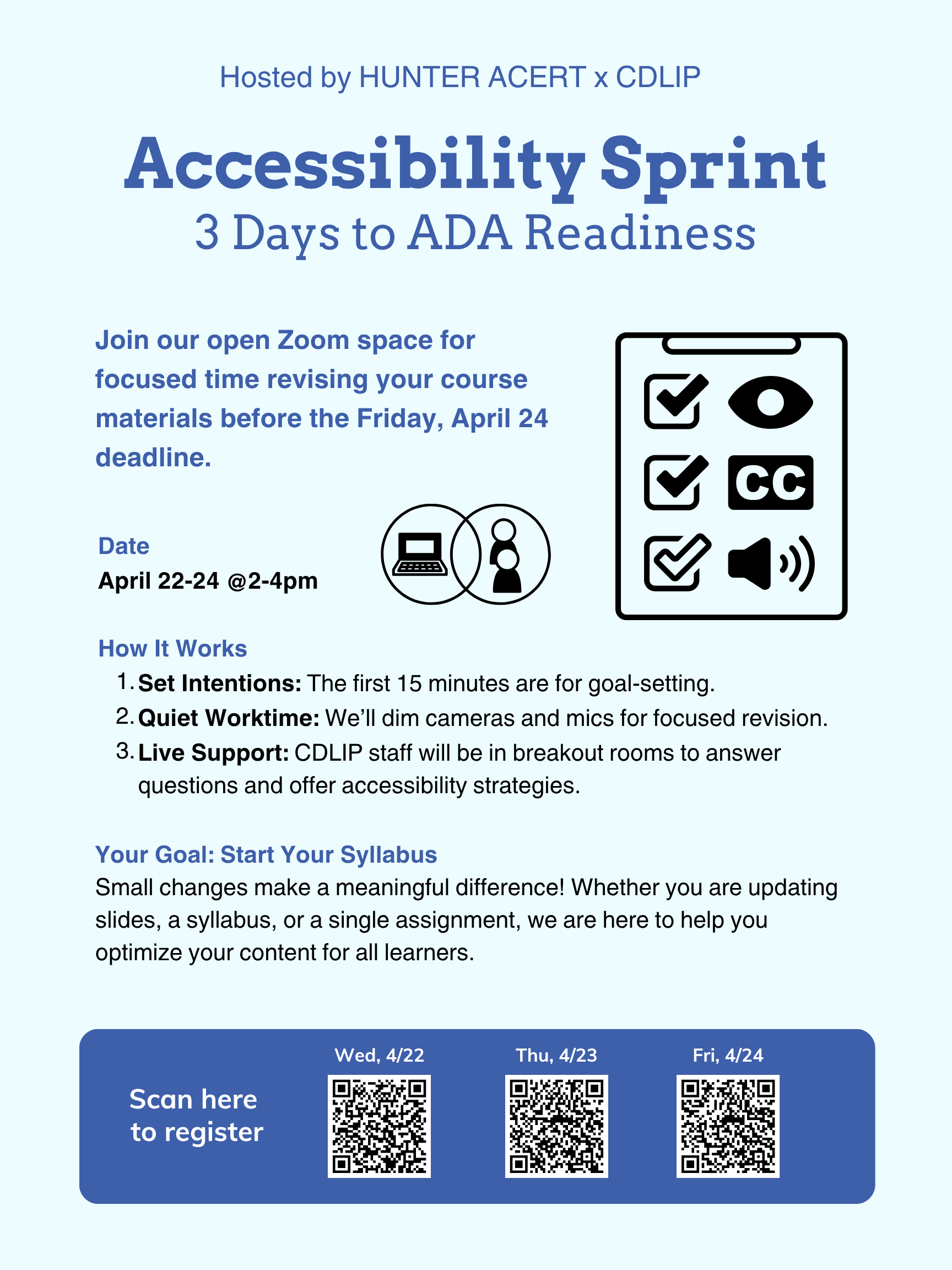
Join CDLIP & ACERT for a dedicated Accessibility Sprint with live support focused on making your course materials more accessible in advance of the upcoming ADA accessibility deadline of Friday, April 24, 2026.
It’s easy to join! During this 3-day sprint, we’ll host an open Zoom space where you can spend focused time revising slides, syllabi, and course content to better support all learners. In the first 15 minutes, we will set accessibility intentions together, then we will all shut off cameras and mics for quiet worktime.
CDLIP staff will be available in breakout rooms during the session to offer live support, answer questions, and help you think through accessibility strategies, but you can also simply join the zoom, set your intention, and make one aspect of your course more accessible, whether it be slides, syllabi, or both! More resources below to get you started.
Small changes can make a meaningful difference in student access, learning, and success! Come join us!
Register for live Accessibility Hours on Wed 4/22 at 2-4pm
Register for live Accessibility Hours on Thu 4/23 at 2-4pm
Register for live Accessibility Hours on Fri 4/24 at 2-4pm
One thing you can do by April 24: Start Editing Your Syllabus
Your first task is to make your syllabus document itself accessible. While doing so, you’ll pick up loads of tips and tricks that will help you optimize other files, too. Along those lines, Shiao-Chuan Kung recently posted on the University Senate blog about “New Habits for Creating Course Content,” showing that you can apply these skills to modify other course content and increase the accessibility of your course with your Ally tool in Brightspace. Read this one-page PDF to get a crash course—this is a resource you might recognize from the ACERT 10-Day Syllabus Challenge. We also made a video tutorial: Make Your Syllabus Accessible.
If your syllabus is already accessible, the next step would be to make one PowerPoint or Google Slides presentation (if you use them), or one digital document that you share with students (e.g., a homework assignment) more accessible, too. For a cornucopia of resources to help you do this, visit the CDLIP website.
Accessibility Workshops
Is Your Content Accessible?
Various times during the week (online)
The implementation deadline for making course content accessible is approaching rapidly on April 24. Join us for a hands-on workshop to discuss the most common issues making course content NOT accessible, use accessibility checkers in Brightspace, Word and PowerPoint, and follow simple steps to start remediating the files. Open your Brightspace course and get your syllabus or a deck of slides ready for checking and remediating! We will make time to work on them together.
Click on the date to register for the session:
Wed 4/15, 11:30am-12:30pm (online)
Thu 4/16, 12-1pm (online)
Thu 4/16, 5-6pm (online)
Tue 4/21, 5-6pm (online)
Wed 4/22, 1-2pm (online)
Thu 4/23, 11am-12pm (online)
Fri 4/24, 10am-11am (online)
Improve Accessibility of Word Documents & PowerPoint Slides
Various times during the week (online)
In this workshop we will show you a few steps you can take to ensure that the word documents and powerpoints you share in your course are accessible. Taking these steps will ensure that your syllabus, course schedule, and class slides are easily navigable by anyone using accessibility tools like Ally in Brightspace. Learn how to set headings, add descriptive alternative text to images, set slide titles and slide reading order.
Click on the date to register for the session:
Fri 4/17, 1-2pm (online)
Mon 4/20, 12-1pm (online)
Improve Accessibility for Audio and Video Content on Brightspace
Wed 4/15, 1-2pm (online)
Presenters: Justin Tricarico
In this workshop, we will walk through a few key steps you can take to ensure that the audio and video content you share in your Brightspace course is accessible to all learners. Taking these steps will help make your lecture videos, recorded presentations, and other media files more usable and engaging for your students. Learn how to add accurate captions, create transcripts, and write meaningful descriptions for media content.
Register for Improve Accessibility for Audio and Video Content on Brightspace
Improve Accessibility for Course Readings on Brightspace
Tue 4/21, 3-4pm (online)
Presenters: Justin Tricarico
In this workshop, we will explore best practices for making course readings on Brightspace accessible for students, with a focus on content in PDF format. Participants will learn how to select and share readings in formats that are readable and usable by students who rely on screen readers and other accessibility tools. We will discuss how to locate accessible digital versions of readings through the Hunter College Libraries, when and how scanning from print may be appropriate, and where to find campus support for remediation. Taking these steps will help ensure that all students can access and engage with your course readings equitably. Please bring a course reading in PDF format with a low Ally accessibility score on Brightspace and we can use it as an example in the workshop.
Register for Improve Accessibility for Course Readings on Brightspace
EdTech Office Hours
Various times during the week (online)
Anytime during the hour, join this Zoom room to get in line for one-on-one online support for professors. We will ask you to stay in the Zoom waiting room and let you in one at a time in the order you joined the call.
Click on the date to register for the session:
Thu 4/16, 2:30-3:30pm (online)
Tue 4/21, 10:30am-11:30am (online)
Thu 4/23, 2:30-3:30pm(online)
Fri 4/24, 11am-12pm (online)


Comments are closed.